
Spalding County's Most Wanted
Start with the Spalding County Sheriff's Office Most Wanted gateway. Its main page has been under construction. Visitors get directed toward the P2C list covering all wanted individuals. That redirect matters. The sheriff's featured presentation and the wider warrant catalog serve different purposes, so treat the gateway as a doorway rather than a complete warrant check.
P2C hosts its own Most Wanted Persons catalog. Each entry depends on agency settings. You might see a photo or a placeholder. You might also find identity details, descriptors, warrant or charge information, alerts, and physical traits. A missing photo means the public display lacks one. Nothing more.
Neither the gateway nor the catalog posts a stable count or a last-updated date. Entries come and go as people are added, cleared, or changed. No weekly feature such as "Warrant Wednesday" appears in the official material. Any count you spot is just a snapshot. It is not a fixed total.
What Spalding Wanted Entries Show
A P2C wanted entry is an agency record, not a full case file. The software supports many fields. Still, the sheriff's configuration and each individual entry decide what actually shows. Read the text closely. Never identify someone by a photo alone. And never read a blank field as proof that no court or agency record exists.
| Field | What it may show |
|---|---|
| Photo or placeholder | An agency-supplied image when configured, or a no-image placeholder for that record. |
| Name and identity | The name and identity details attached to the wanted entry. |
| Descriptors | Physical descriptors or other traits supplied for the entry. |
| Warrant or charge detail | The warrant or charge description associated with the public listing, when displayed. |
| Alerts | Agency alerts or caution information attached to the record, when configured. |
| Record timing | The result as shown during a scheduled portal update. It is not a promise that the record is current at every moment. |
The list is not a photo gallery. Photos, when provided, stay hosted on the sheriff's site or the P2C service. A placeholder only reflects what the public interface displays at that moment. It says nothing about why an image is missing, whether a booking occurred, or how the court case turned out.
Read the Most Wanted List
Begin with the official source and end with a safe decision about what to do next. The sheriff's gateway can shift around. The P2C modules tend to be the more structured route. Keep the systems straight. Someone on a wanted catalog is not necessarily sitting in the Spalding County Detention Center, and a current-custody result does not confirm a warrant either.
- Open the sheriff's gateway. Read the current notice first. If the picture and information page is still under construction, follow its official path to the P2C wanted service.
- Choose the correct presentation. Use the Most Wanted Persons catalog for the selected list. Use the separate Wanted Persons catalog when the question concerns a specific possible warrant.
- Read all available fields. Compare the name, descriptors, warrant or charge wording, alerts, traits, and any photo or placeholder. Do not rely on a face match alone.
- Keep distance. If a person is recognized, do not approach, follow, confront, or attempt to detain that person. Send non-emergency information to the sheriff's tip line or official app.
- Separate the record paths. For a custody or recent-arrest lookup, use the county's broader official-source path on the Spalding County busted mugshots home page. A booking or custody result is not a warrant ruling or a finding of guilt.
Delays deserve patience too. SCSO says P2C refreshes at scheduled times during the day, and a person does not appear until booking is complete and the next update cycle runs. A blank result can simply mean bad timing, the wrong module, or a change in custody. It never proves that no warrant or arrest exists.
Spalding County Tip Options
Tips about wanted individuals belong with law enforcement, full stop. The Spalding County Sheriff's Office runs a tip line. It also accepts tips through its official outreach app. Those channels are for non-emergency information. The app's store description covers tips, feedback, public-safety news, and emergency alerts, though it is not an emergency reporting tool.
SCSO publishes no reward amount and makes no promise that tips are anonymous. So avoid telling a caller that money is guaranteed or that one method carries special confidentiality. If those details matter to you, ask the receiving agency directly how it handles the information.
Official tip contact
Spalding County Sheriff's Office
Non-emergency tips and information
770-412-4399
Spalding County Sheriff app
Tips, feedback, news, and alerts
Immediate danger: call 911.
Give the agency facts it can verify. That means a name, a reason for calling, and where your information came from. Rumor does not belong in the record. The tip line passes information to officers. It is not there to ask a private party to act on it.
Wanted Persons Versus Most Wanted
Spalding County keeps two different wanted lists on its Police to Citizen portal, and mixing them up leads people astray. The Wanted Persons catalog is the tool for checking one name against a possible warrant. The Most Wanted Persons catalog is a flashier presentation, sometimes showing a photo or a placeholder plus descriptors, warrant or charge details, alerts, and physical traits. Neither one is the current-inmate roster.
What does a wanted entry actually tell you? It reflects an outstanding process at the time the portal was updated. It says nothing about custody, and it may lag behind later court events. A recent arrest result works the other way around: it can describe an arrest that happened before a release, so it cannot confirm a warrant is still live. Pick the module that matches the question you are asking.
Portal data refreshes on a schedule, so a screen grab or an old social media post can mislead. For any decision with legal weight, call the issuing court or the SCSO Fugitive Apprehension contact and confirm the entry directly.
Check a Spalding County Warrant
The sheriff does not publish a single catch-all warrant database beyond the P2C wanted route. Start with the official Wanted Persons search, then treat whatever you find as a lead. Court dockets sometimes show when a warrant issued or was recalled, but when online access falls short, the clerk's office is the safer confirmation path.
Why check at all? The point of a self-search is to learn the right legal contact, not to dodge law enforcement. A lawyer can read the record and reach out to the proper court on your behalf. The issuing court is the only office that can tell you whether a warrant is current, recalled, or tied to some other case.
- Start with Wanted Persons. Search the available identity fields and read the full entry. Record the wording and the time checked.
- Check the update limit. Remember that P2C updates on a schedule and may lag. A blank result is not a final legal answer.
- Confirm the issuing court. Use the Spalding Clerk of Courts route or ask the clerk which court holds the relevant criminal index.
- Use counsel for a personal matter. If the possible warrant concerns you, speak with an attorney and the issuing court before taking action.
- Do not approach or evade. Never confront a listed person, attempt a detention, or seek instructions for avoiding service, arrest, or surveillance.
Warrant Types and Court Checks
Local courts and the portal do not label warrants in one uniform way. The comparison here keeps the known Spalding paths separate and flags the spot where direct court confirmation becomes necessary. Remember that a wanted-list label is only a pointer. The authoritative procedural history lives in the court record itself.
| Type or route | What the local record path supports | Best confirmation |
|---|---|---|
| Arrest warrant | Magistrate court ordinarily handles arrest warrants, first appearances, bond matters within its authority, and preliminary hearings. A docket may show issuance or recall. | Issuing court or clerk, with SCSO Fugitive Apprehension as an additional check. |
| Bench warrant | The supplied Spalding sources do not publish a separate bench-warrant definition or universal field. Do not infer its current status from a selected listing. | Ask the issuing court or clerk to identify the process and its current status. |
| Warrantless arrest | First-appearance timing for a warrantless arrest is treated separately from warrant-arrest procedures. It is not a warrant record. | Use the court or clerk for case status. P2C arrest and custody modules answer different questions. |
A warrant can lead to several court steps. First appearance, arraignment, a portal posting, and a final outcome each stand on their own. Don't expect the sheriff's wanted list to show them as one package. The sheriff posts one thing. The court files another. A booking charge can change later, and only the court record shows the true ending, whether that means a plea, a dismissal, or a sentence. Verify outcomes there.
For court history, begin with the Spalding Clerk of Courts gateway. It's a separate path from the sheriff's wanted and custody catalogs. That separation keeps the two record trails from blending. The clerk page itself is the county's official starting point for courts, not a listing of wanted persons. Check the live site before trusting navigation notes saved from an old page.
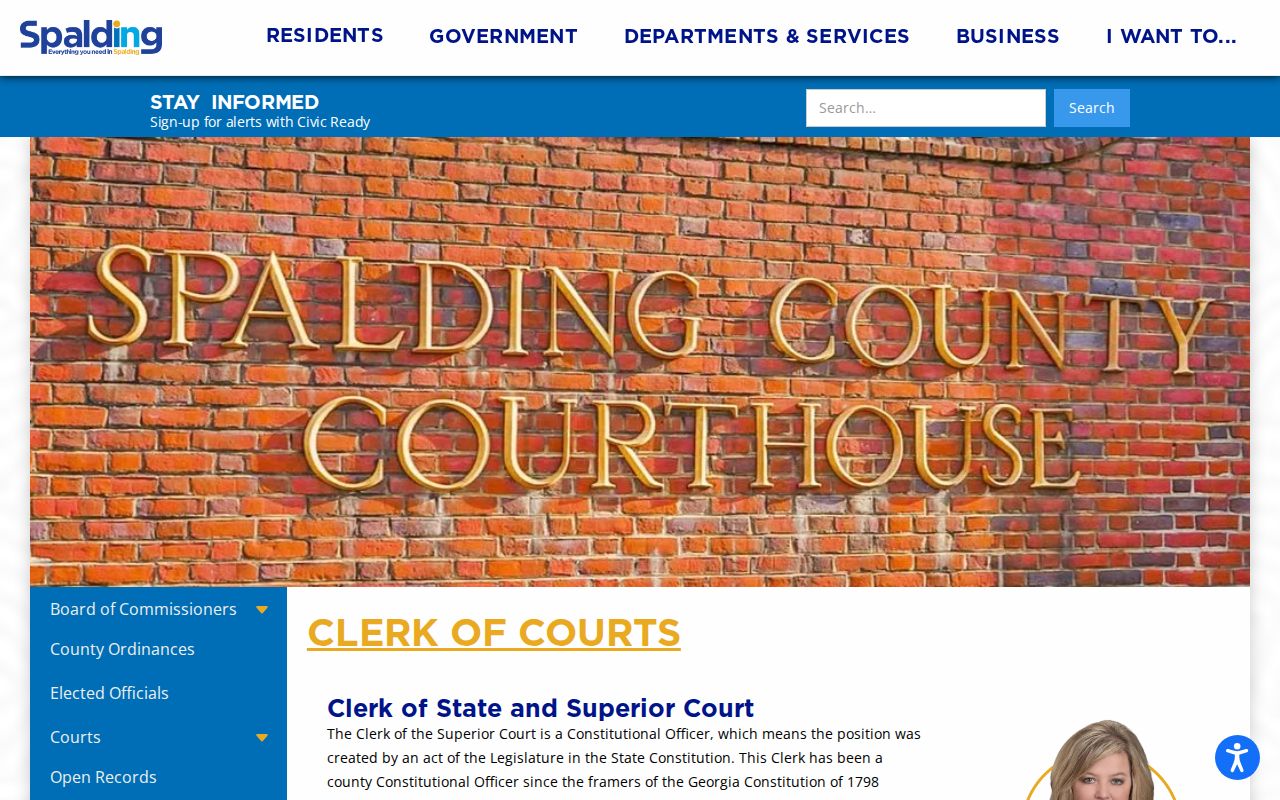
No booking-photo gallery appears in the screenshot, and it establishes nothing about a person's custody or case outcome. Court staff remain the source for the current status of any particular matter.